Comprehensive Guide to Report Phishing Emails in 2025
Phishing scams are everywhere. This complete guide shows you how to report phishing emails across Gmail, Outlook, Microsoft, Apple, PayPal, Amazon, and more. Learn where to forward suspicious emails, report phishing texts, and protect your data from scammers.

On this page 9 sections
Every day, millions of phishing emailsreach inboxes worldwide. Scammers use them to trick people into giving away passwords, credit card numbers, or personal data. Simply deleting these emails isn’t enough, reporting phishing emails is the best way to protect yourself and others.
In this 2025 guide, you’ll learn how to report phishing emails across Gmail, Outlook, Microsoft, Apple Mail, PayPal, Amazon, AOL, Xfinity, and more. We’ll also cover how to report phishing websites, report phishing texts (smishing), and even report phishing in the UK. Whether you search “report phishing email to Google” or “report phishing emails Outlook,” this guide gives you step-by-step instructions.
Why Reporting Phishing Emails Matters
Phishing is not just an inconvenience, it’s a global cybersecurity threat.
- Protects you: Stops scammers from stealing your data.
- Protects others: Service providers can block the same campaign for millions of users.
- Strengthens security: Reports help governments, ISPs, and cybersecurity platforms track criminal activity.
- Reduces spam: Providers use reports to filter future phishing attempts.
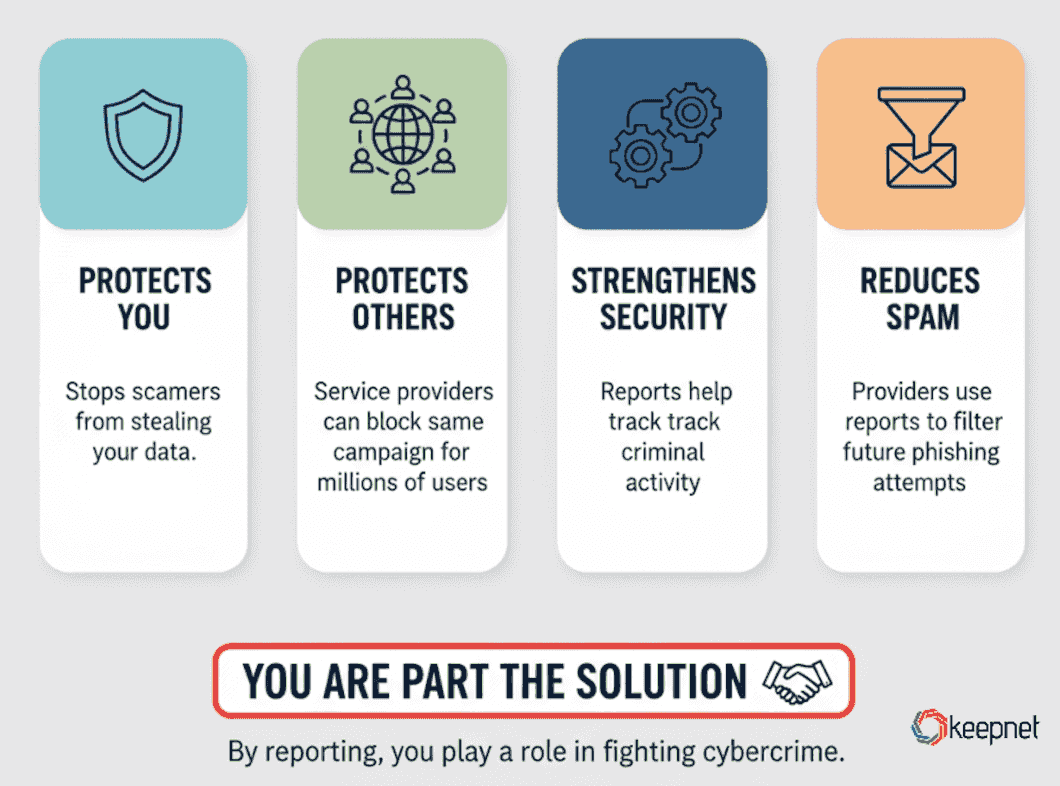
By learning how to report phishing emails, you play a role in fighting cybercrime.
How to Report Phishing Emails
When you receive a suspicious message, simply deleting it isn’t enough. Knowing how to report phishing emails ensures the scam is flagged, investigated, and blocked for other users. Whether you use Gmail, Outlook, Apple Mail, or another service, reporting phishing is the most effective way to protect yourself and the wider online community.
Report Phishing Email in Gmail
Open the suspicious message.
- Click the three vertical dots (⋮) in the top-right corner.
- Select Report phishing.
- Gmail will automatically send the report to Google’s abuse team.
If you want to go further, you can also forward the email to reportphishing@apwg.org (Anti-Phishing Working Group).
Report Phishing Email to Google (via Web Form)
- Visit Google’s Report Phishing Page.
- Paste the suspicious website link from the email.
- Submit to Google Safe Browsing for review.
Reporting Phishing Emails in Outlook
Outlook Web: Right-click the message → select Report phishing.
Outlook Desktop: Use the “Report Message” add-in.
Forwarding option: Send to phish@office365.microsoft.com.
Outlook reports go directly to Microsoft’s security team for review.
Reporting Phishing Emails in Apple Mail
- Forward the suspicious message to reportphishing@apple.com.
- Block the sender in Mail settings.
- Delete the message after reporting.
Reporting Phishing Emails in Microsoft Services
- Forward phishing attempts to phish@office365.microsoft.com.
- Use Microsoft Edge’s “Report unsafe site” if a phishing link was clicked.
Reporting Phishing Emails in PayPal
- Forward the entire phishing email to phishing@paypal.com.
- Delete it immediately after forwarding.
- PayPal will confirm if the email was fake.
Reporting Phishing Emails in Amazon
- Forward suspicious messages to stop-spoofing@amazon.com.
- Include the full header if possible.
- Never click on links before reporting.
Reporting Phishing Emails in AOL & Xfinity
- AOL: Use the “Report phishing” option in the inbox.
- Xfinity: Forward the message to abuse@comcast.net.
Reporting Phishing Emails in Apple, Microsoft, and More
Apple: reportphishing@apple.com
Microsoft: phish@office365.microsoft.com
Other ISPs: Use their “Report Spam” or “Report Phishing” option in your inbox.
How to Report Phishing Gov UK
For UK residents, reporting phishing is easy:
- Forward phishing emails to report@phishing.gov.uk.
- Forward phishing texts to 7726 (SPAM).
- The UK’s National Cyber Security Centre (NCSC) will investigate.
Phishing Simulator
Multi-channel phishing simulations, not email-only
Run realistic simulations by email, SMS, call and QR code, and see reporting behaviour change over time.
How to Report a Phishing Website
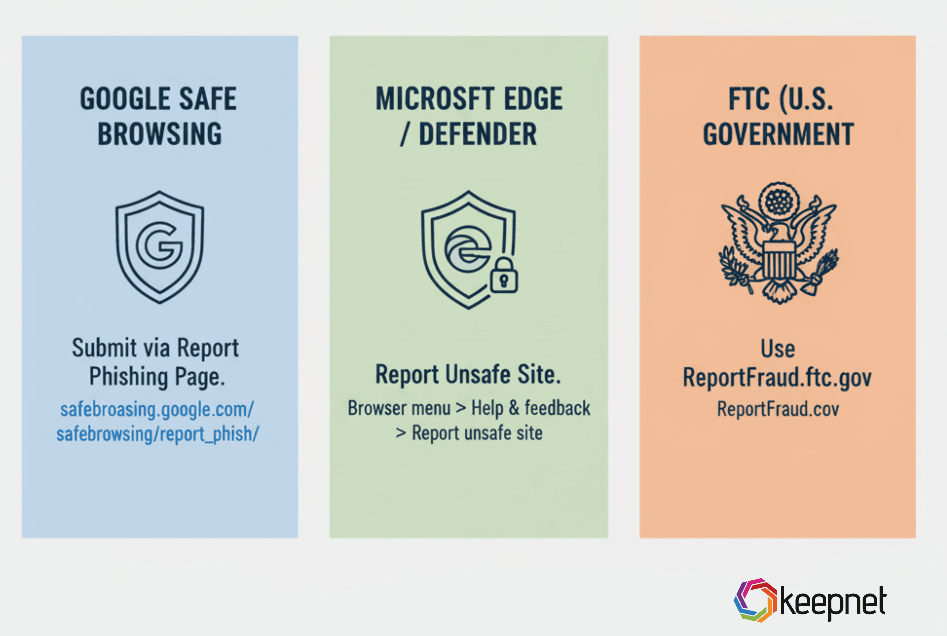
If the phishing email contains a malicious link, report the site itself:
- Google Safe Browsing: Submit via Report Phishing Page.
- Microsoft Edge/Defender: Report Unsafe Site.
- FTC (US): Use ReportFraud.ftc.gov.
How to Report an Email Address as a Scammer
Sometimes scammers use the same email address repeatedly. You can:
- Report it as phishing to Gmail/Outlook/Apple.
- Block the sender.
- Forward the address to your country’s cybercrime center.
• US: reportphishing@apwg.org
• UK: report@phishing.gov.uk
How to Report Phishing Texts (Smishing)
Scammers also use SMS (text messages) to trick people.
- US: Forward to 7726 (SPAM).
- UK: Forward to 7726 as well.
Delete the text after reporting. Never reply or click links in suspicious messages.
Best Practices After Reporting Phishing
- Change your password if you clicked any link.
- Enable Multi-Factor Authentication (MFA) for extra protection.
- Run antivirus scans to check for malware.
- Educate your team with phishing simulations and security awareness training.
What Happens After You Report Phishing
Many users wonder: Does reporting phishing even work?
Providers like Google, Microsoft, and Apple analyze reports in real time.
- If confirmed, they block the sender, domain, or IP from sending future emails.
- Large-scale campaigns get added to global threat intelligence databases.
- Law enforcement may investigate if attacks are widespread.
So yes, reporting makes a real impact.
Stay Ahead of Scammers Using Keepnet Phishing Reporter
Reporting phishing shouldn’t feel complicated or time-consuming. With Keepnet’s Phishing Reporter, employees can flag suspicious emails with a single click directly from their inbox. Instead of ignoring or deleting threats, users can report them instantly, giving your security team real-time visibility into active phishing attempts.
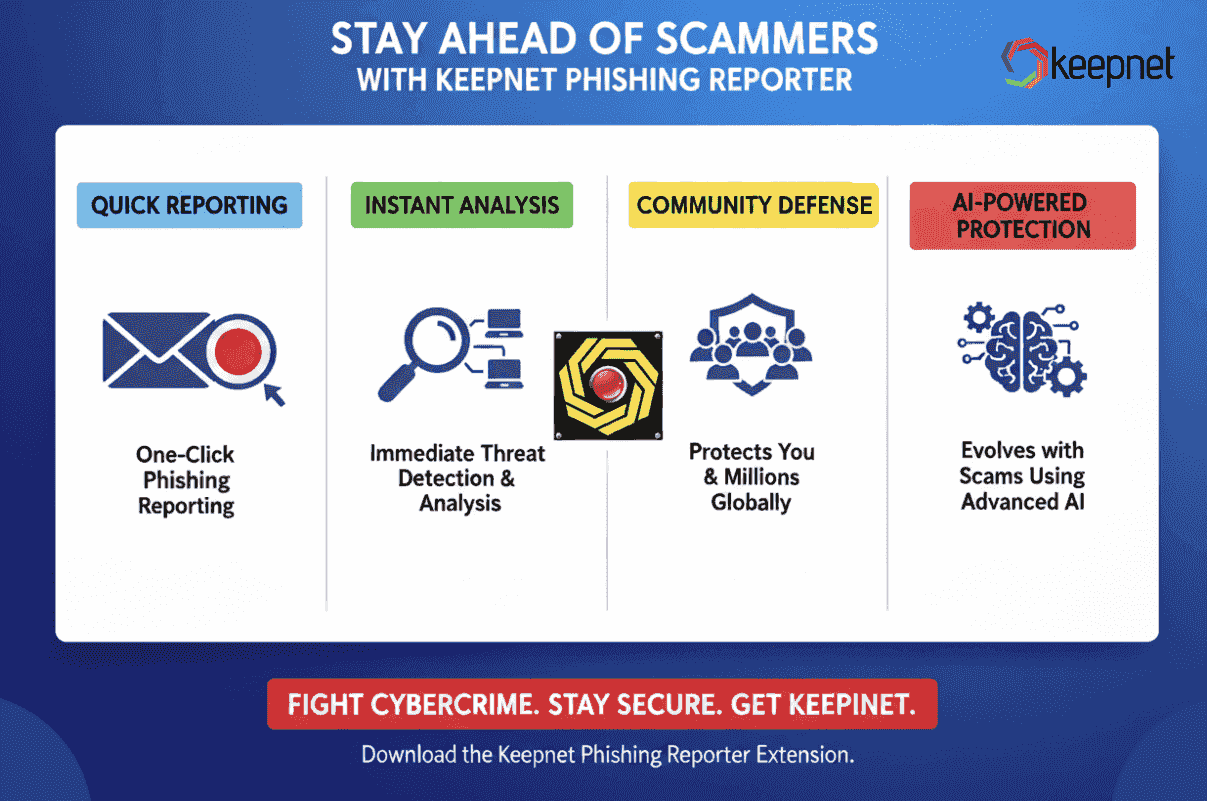
This simple tool transforms every employee into a line of defense, helping organizations detect attacks faster, respond efficiently, and reduce overall risk. By combining reporting with Keepnet’s Phishing Simulator, you not only stop scams but also build a culture of security where employees feel empowered to fight phishing.
Frequently asked questions
Reporting phishing means telling your email provider, company, or government authority that you received a fraudulent message. When you click “report phishing,” the suspicious email is flagged and investigated. This helps block the sender, protect your account, and prevent future attacks from reaching other users. You can use a Phishing Reporter button to report suspicious emails like Keepnet Phishing Reporter.
Phishing spreads quickly. If you report phishing attacks immediately, providers can take action faster to block scammers, shut down fake websites, and prevent thousands of other victims from being targeted. Quick reporting helps protect your personal data, company systems, and the wider online community.
A phishing report usually includes the suspicious email, the sender’s address, and full email headers. These details allow providers or cybersecurity teams to analyze the source of the attack. A complete phishing report helps track criminal groups, block malicious domains, and protect other users from similar threats.
To file a phishing email report, open the suspicious message in your email client and use the built-in “Report phishing” option (Gmail, Outlook, Apple Mail, etc.). You can also forward the email to anti-phishing groups like reportphishing@apwg.org or government hotlines such as report@phishing.gov.uk.
The best way to handle a phishing email is never to click on links, download attachments, or reply. Instead, use your email client’s “Report phishing” button. After reporting, delete the email from your inbox. This process ensures you are safe while helping providers block the attack.
After you report phishing, your provider (Google, Microsoft, Apple, etc.) investigates the message. If it is confirmed phishing, they will block the sender, disable links, and update global threat detection systems. Large-scale phishing campaigns may also be handed to law enforcement.
Yes. Many governments operate phishing hotlines. For example, the UK accepts reports at report@phishing.gov.uk and the US at reportphishing@apwg.org. These government centers analyze attacks and coordinate with providers and law enforcement to shut down phishing campaigns.
In Gmail, “report phishing means” that you are alerting Google about a malicious or fraudulent email. By clicking “Report phishing,” you send the message and its technical details to Google’s security team, which helps block similar scams for other Gmail users.
Yes, but with a difference. Reporting suspicious emails is a broader action, covering spam, scams, or phishing attempts. Reporting phishing is more specific. It flags an email designed to steal sensitive data. Always report suspicious emails that look like phishing for investigation.
If your provider doesn’t have a phishing button, forward the email to:
• reportphishing@apwg.org (Anti-Phishing Working Group)
• report@phishing.gov.uk (UK)
• phish@office365.microsoft.com (Microsoft)
This ensures your phishing report reaches the right security teams.
Yes. A phishing email report helps providers block dangerous senders and domains. It also gives cybersecurity teams data to track criminal groups. Every phishing report strengthens spam filters, improves global threat detection, and makes it harder for scammers to succeed.
No. Making a phishing report is safe and encouraged. Even if the suspicious email turns out to be harmless, providers prefer you report it. It’s always better to report phishing than risk becoming a victim of a scam.
You should report phishing emails every time you receive one. Whether it’s from PayPal, Amazon, Gmail, or unknown senders, each report helps providers improve filters and stop cybercriminals. Reporting phishing emails consistently protects you and others.
No. Once you report phishing, you should delete the email from your inbox and trash. Security teams already receive a copy. Keeping phishing emails increases the risk of accidentally clicking a link later.
Yes. To report phishing texts (also called smishing), forward the suspicious message to 7726 (SPAM) in the US and UK. Many carriers use this service to block scam numbers and protect other mobile users from the same phishing texts.
Schedule your 30-minute demo now
You'll learn how to:
- Explore Keepnet's comprehensive tools to enhance your cybersecurity strategy, specifically against phishing attacks.
- Learn how to integrate advanced features into your daily operations to better protect sensitive data.
- Engage with us for a deeper dive into our anti-phishing platforms and consultations customized for your needs.
30 minutes with a Keepnet specialist, on your own use cases.

Author
Ozan Ucar
Founder and CEO, Keepnet
Ozan founded Keepnet in 2017 and has worked in cyber security since 2006. He leads Keepnet's product direction and works with security teams on measuring and changing the behaviours behind incidents.